Describe
Define ports, interfaces, address blocks, registers, and fields in visual editors. Every change remains visible in reviewable YAML.
Design IP cores and register maps visually, keep the design in readable YAML, then generate and build RTL without leaving VS Code.
Describe the design once, then use the same information to generate HDL, tests, documentation, and Vivado or Quartus projects.
Define ports, interfaces, address blocks, registers, and fields in visual editors. Every change remains visible in reviewable YAML.
Generate VHDL or SystemVerilog, bus wrappers, register files, Cocotb tests, documentation, and vendor project files.
Check generated HDL, inspect captured data, run simulations, and build with Vivado or Quartus from VS Code.
IPCraft provides separate editors for the IP core, register layout, and captured data. They all use the same YAML design files.
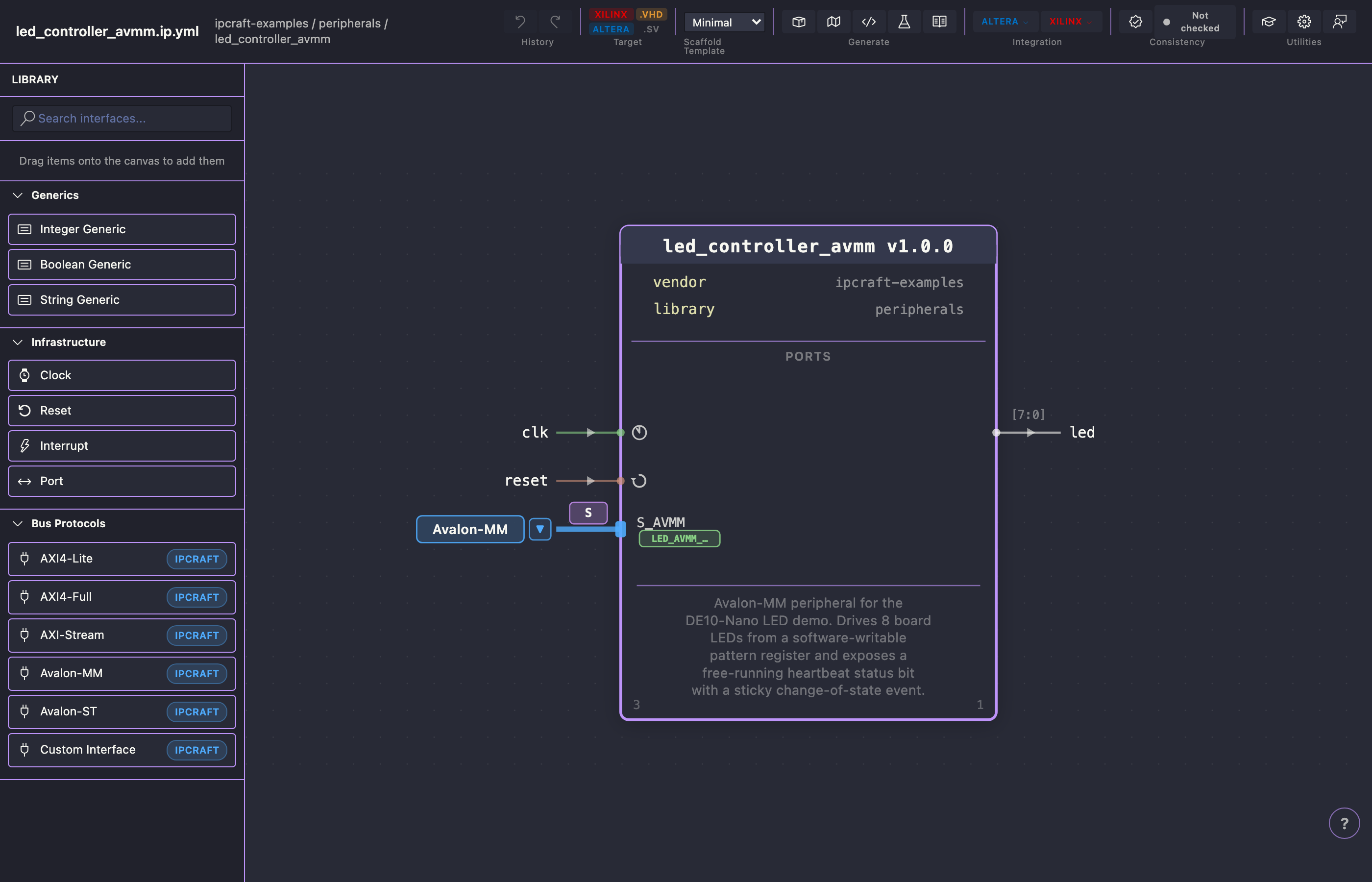
Place clocks, resets, ports, bus interfaces, and parameters. Select an item to edit its properties in the inspector.
Explore the IP Core editor →Edit blocks, registers, and bit fields in keyboard-friendly tables with a visual bit layout that stays synchronized with YAML.
Learn memory-mapped registers →Map CSV captures and literals onto register definitions, then decode, combine, and inspect values in a visual workspace.
Explore the Data Inspector →
Place clocks, resets, ports, bus interfaces, and parameters. Select an item to edit its properties in the inspector.
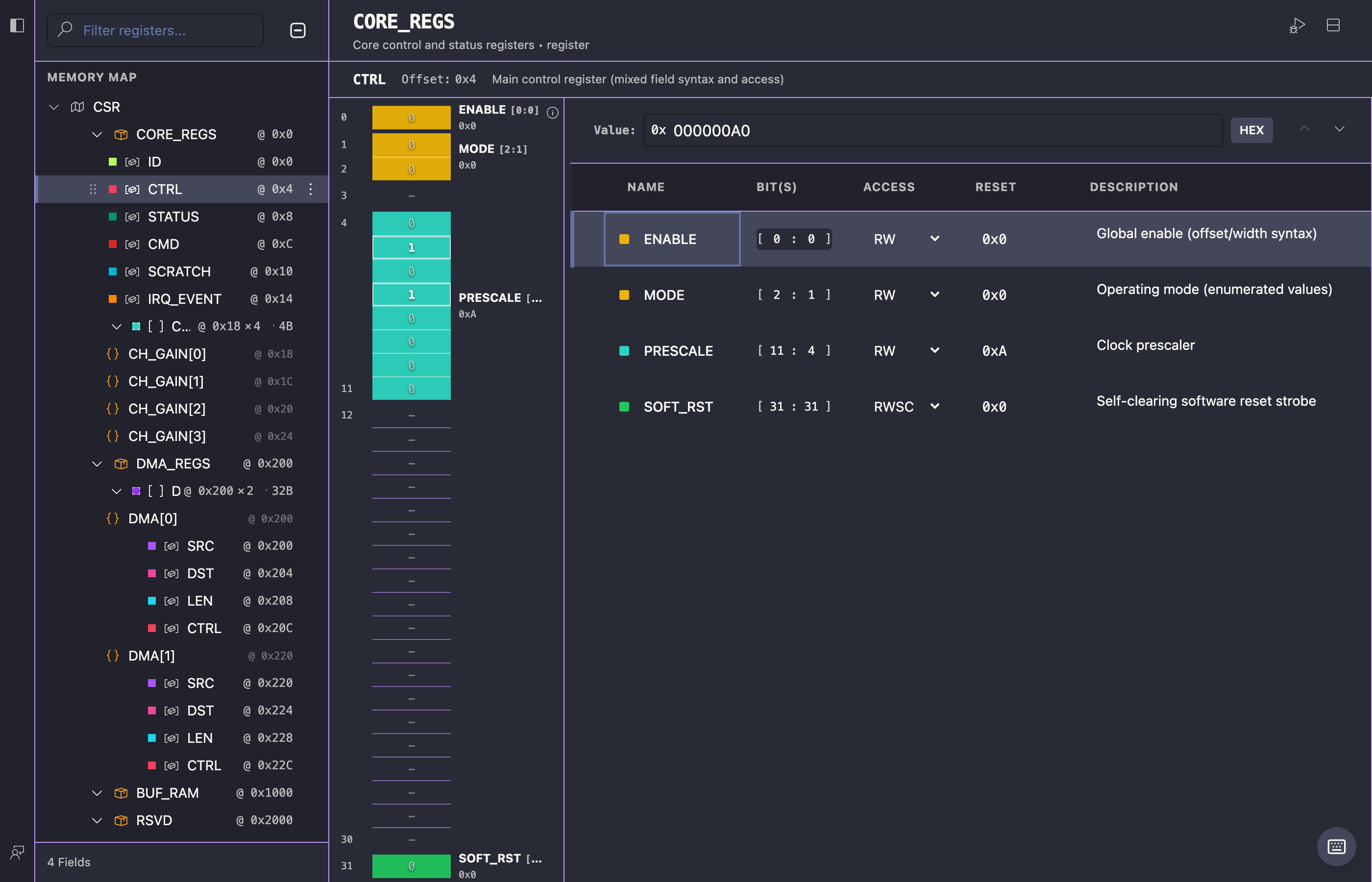
Edit blocks, registers, and bit fields in keyboard-friendly tables with a visual bit layout that stays synchronized with YAML.
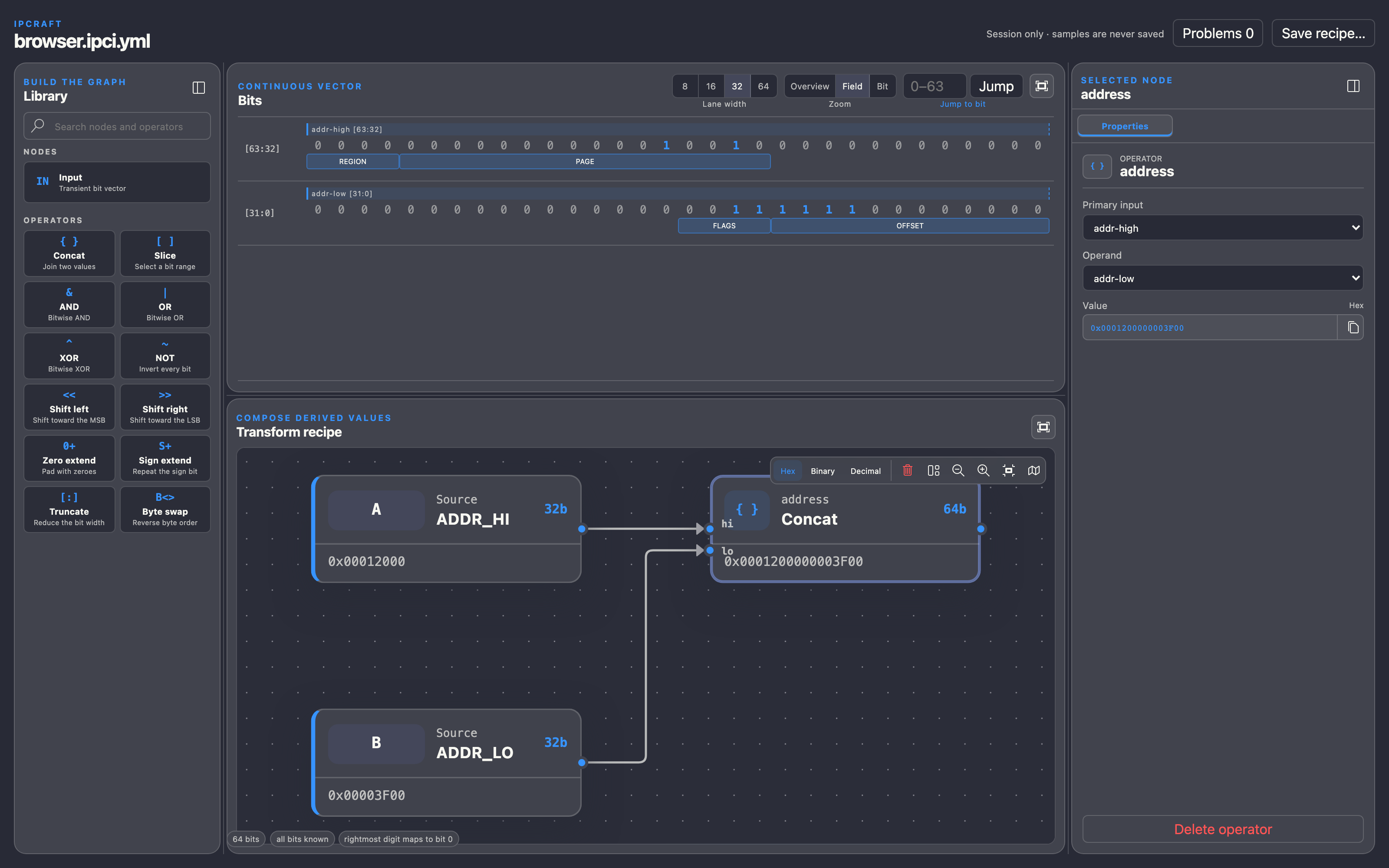
Map CSV captures and literals onto register definitions, then decode, combine, and inspect values in a visual workspace.
IPCraft automates the repetitive work between formats and tools, so you can focus on design decisions.
Generate complete RTL projects with bus wrappers, constraints, packaging metadata, testbenches, and scripts for your chosen toolchain.
Cross-check the specification, top-level HDL, and vendor artifacts to catch inconsistencies before integration.
Read the consistency check guide →Decode literals and captured CSV data against real register definitions, then transform signals visually.
Read the Data Inspector guide →Reverse-engineer VHDL entities, Platform Designer components, and Vivado IP-XACT metadata into an IPCraft specification instead of beginning from a blank file.
Generation is not locked to IPCraft's built-in HDL templates. A scaffold pack is a plain directory of Nunjucks templates, referenced from the IP Core spec, that overrides any built-in template by file name — replace one file or the entire set.
Keep compact, versionable YAML at the center while visual edits preserve comments and numeric formatting.
Install IPCraft, create an IP Core with a register map, and generate a working project from your first interface.